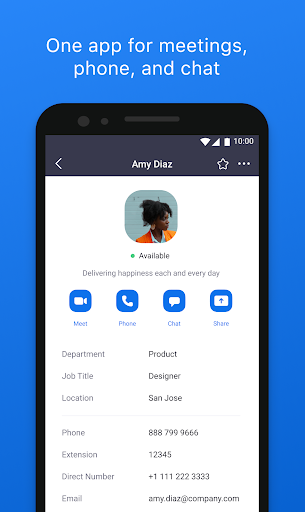
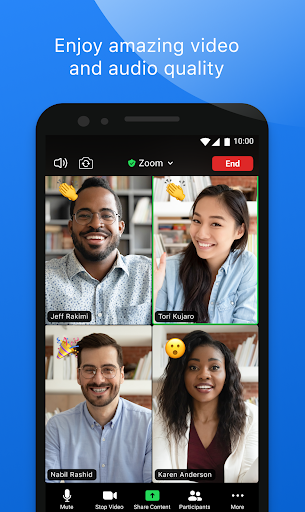
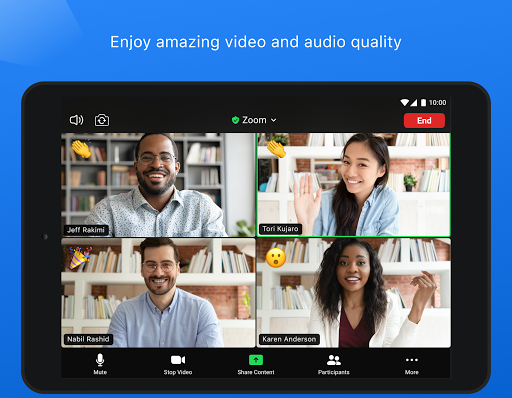
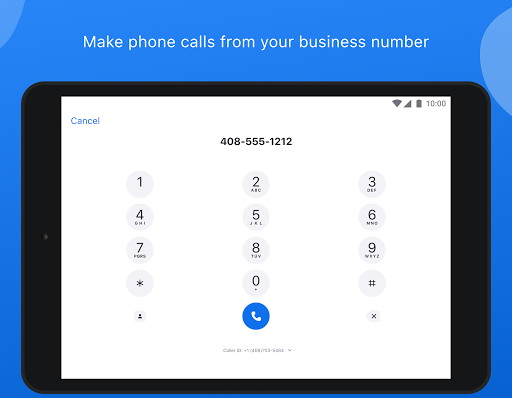
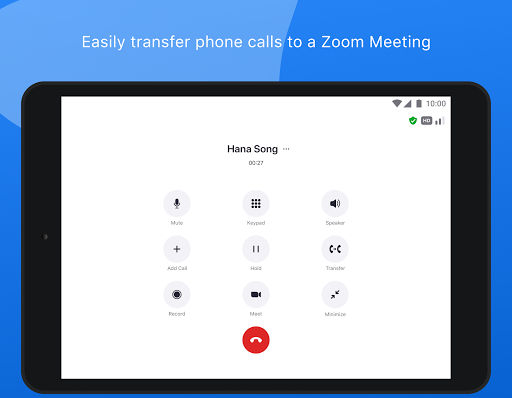
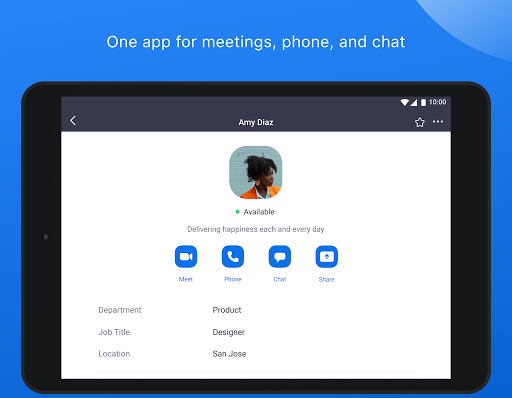
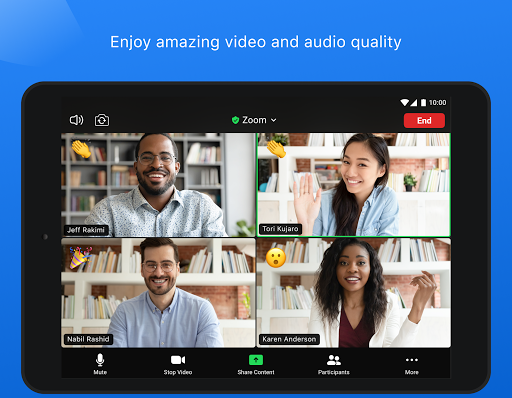
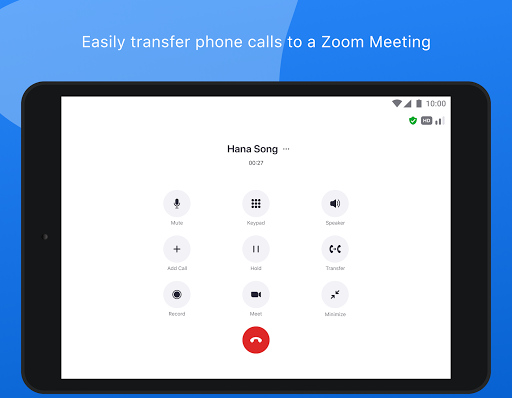
Zoom is a cloud video conferencing application offering quality video, audio, and screen-sharing features. It's designed by zoom.us for both small businesses and large corporations.
Zoom now is available for both Android and iOS users. It can include 25 participating video streams, 10 or more hosts and 200 viewers or listeners. It enables participants far-away to join meetings conveniently which will enhance team collaboration.
Good news for those whose laptops or computers don't allow them to download apps: From now on Zoom offers a browser plug-in which enables users to join a Zoom meeting without having to download its app. So far the extension is available for Chrome and Firefox.
ZOOM was updated on August 23. Here are some new functions you may want to know about.
· Support up to 25 custom languages for interpretation
· Support for multi-language and translated captions in Webinars
· External users notice when composing messages in chats
· Restricted Calls/SMS hours and location
· Enhancements to call history
· Resolved an issue regarding unretrievable SMS messages
· Security enhancements
· Minor bug fixes
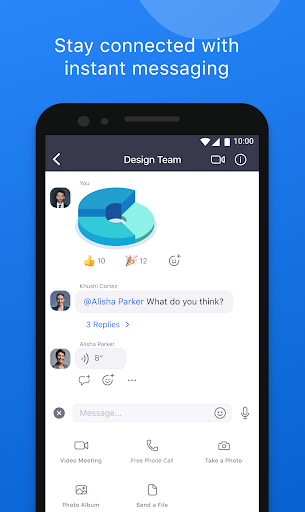
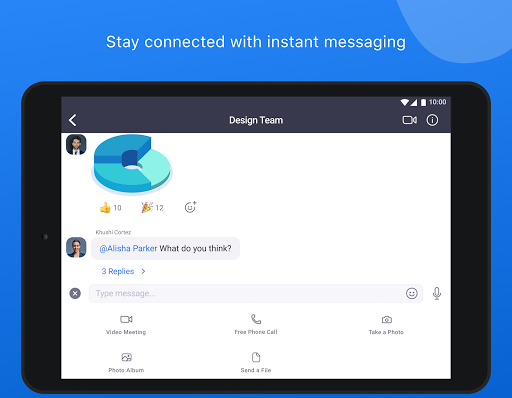
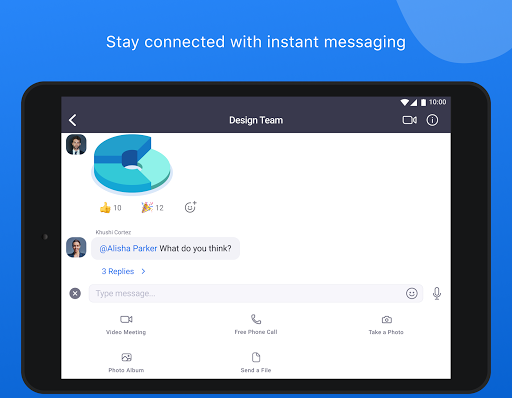
Send group text, images, and audio from your device
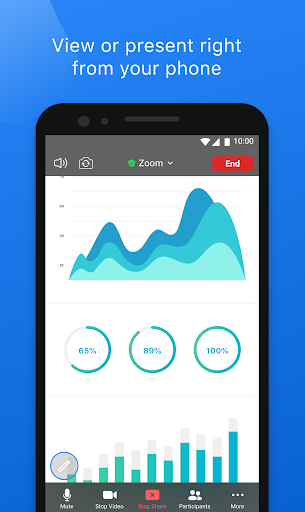
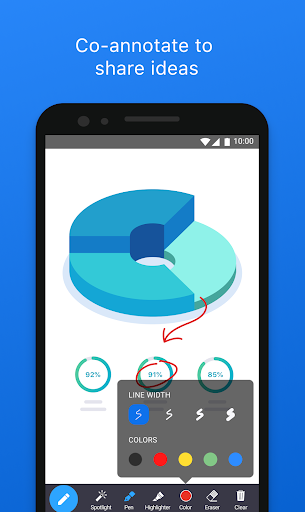
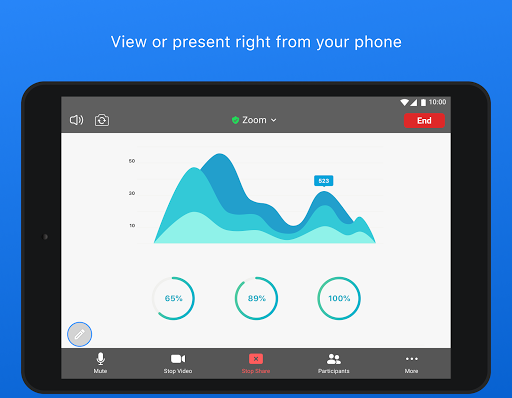
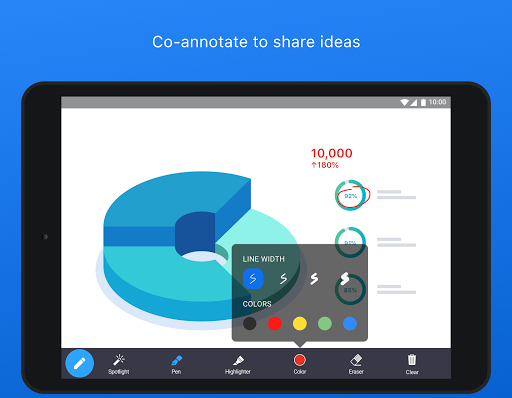
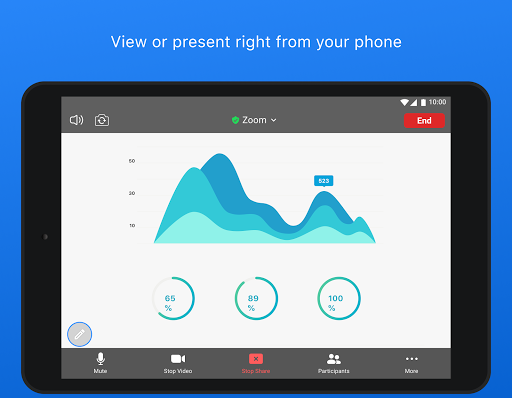
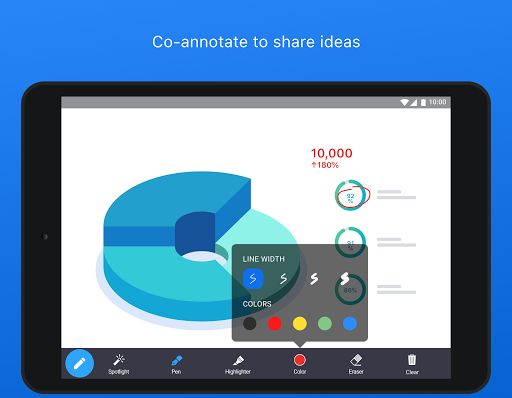
Screen share photos, web and Google Drive, Dropbox or Box files directly from your device
Give you control over how screen sharing can happen
Easily invite phone, email or company contacts
Join meetings as interactive participant or view-only webinar attendee
Quickly start meetings by the given fixed link to your own meeting room
Add conference call details quickly through the Google Calendar plugin
Safe driving mode while on the road
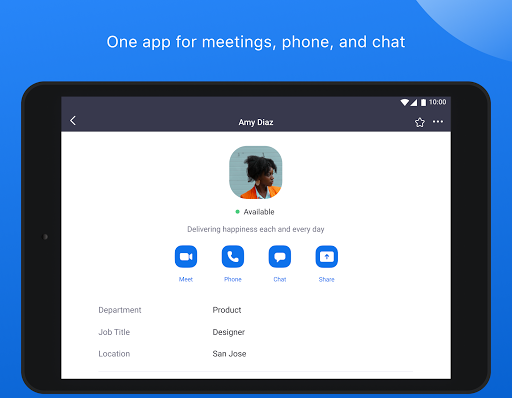
Connect with anyone on both mobile devices and desktops
Make large-group video calling easy
Supports lots of callers
Invite participants with a link
Sometimes unstable
Hard to know who drops the call
To use Zoom, you have different alternatives: log in on their website, download the program for Mac or PC, or download the app for mobile devices.
After download and installation, you need to create an account if you don't have one. You can create one very quickly by linking your Google or Facebook account, or you can create a new using your E-mail address.
When all is set up, you will be asked to enter the Meeting ID or Personal Link Name that should have been given to you. Enter this, you are in connection with up to 100 people.