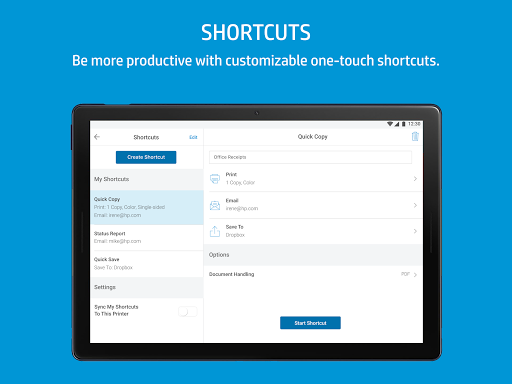
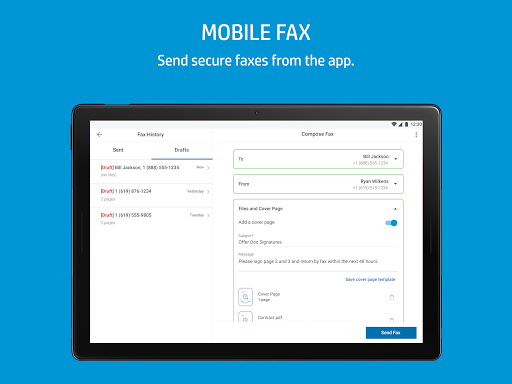
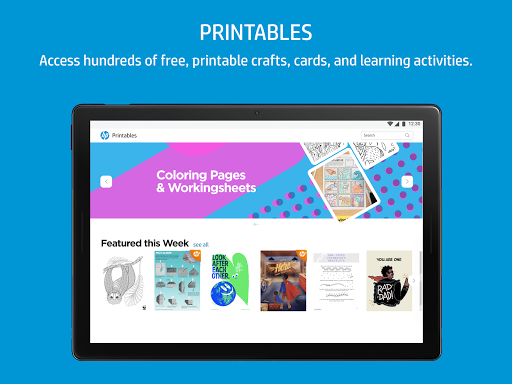
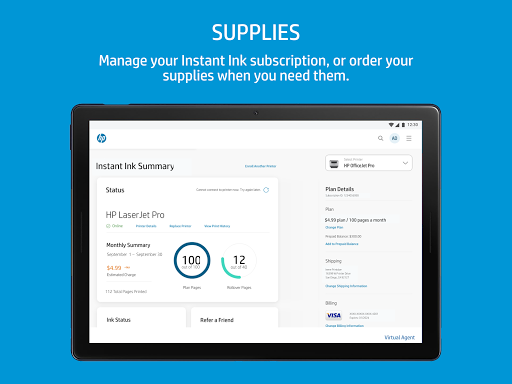
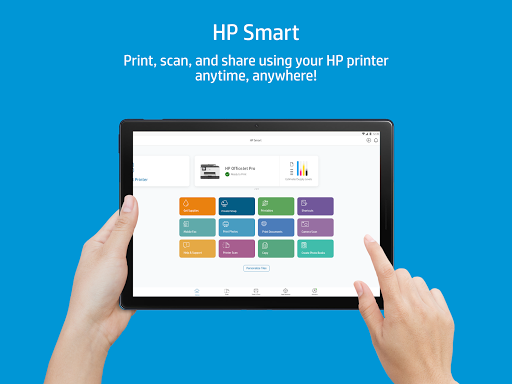
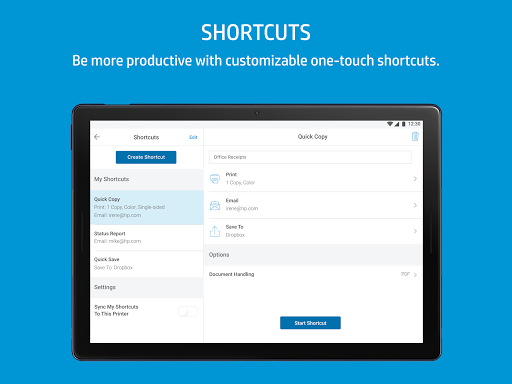
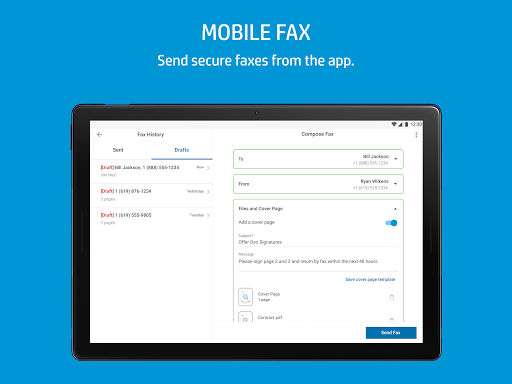
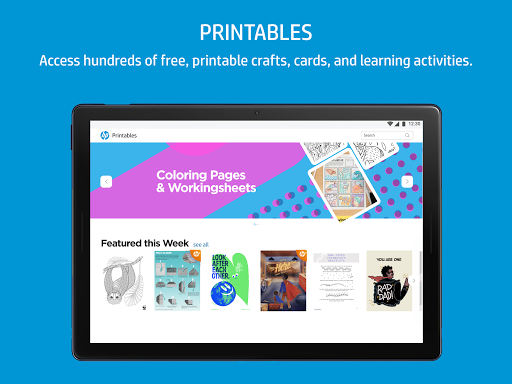
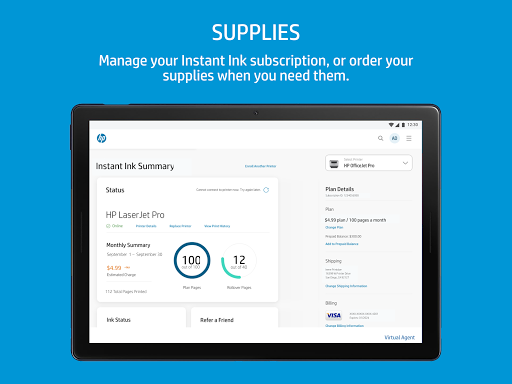
HP smart, previously known as HP All-in-One, can help you print, scan, share, and manage your HP Printer from your smartphone anytime, anywhere, making printing as well as scanning so easy.
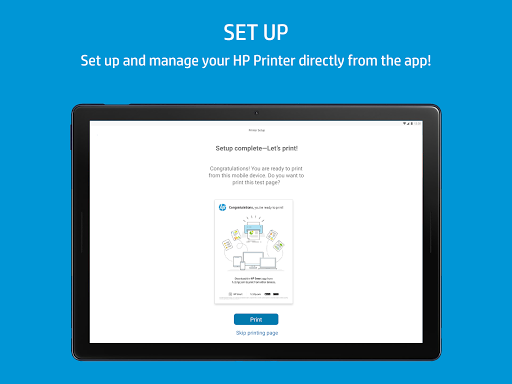
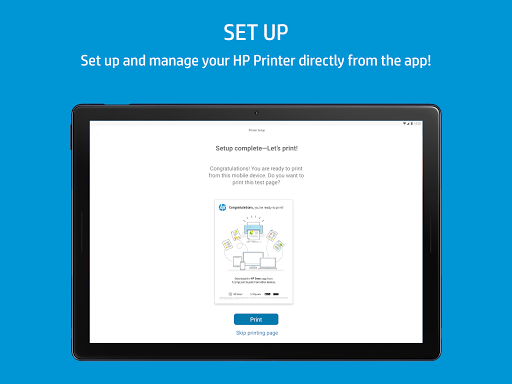
Step1. Connect your mobile device with the Printer on the same wireless network.
Step2. Install HP Smart app. Open the app, and then tap start.
Step3. Choose to accept the terms and conditions, and then tap Continue.
Step4. The app will search for printers connected to the network. You just need to add your Printer and then can start using it.
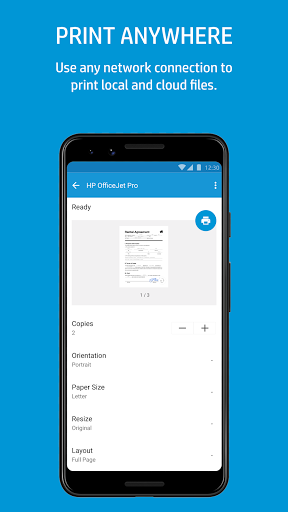
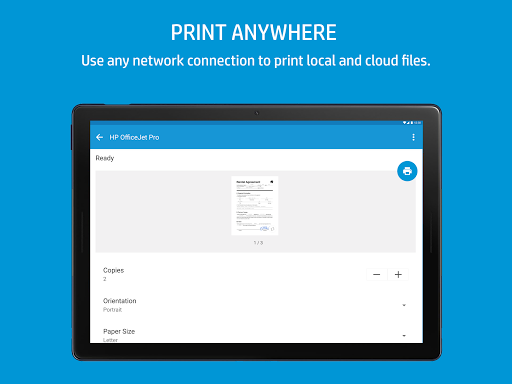
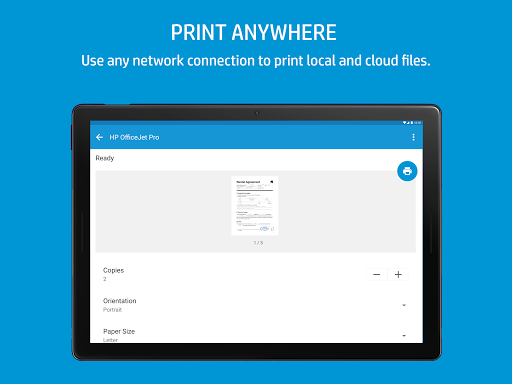
You can print documents or photos on your Android or iOS devices, or you can also print from Google Drive, Dropbox, Facebook, and Instagram, according to your mobile device.
Step1: Open the HP Smart app, choose Print Documents, Print Photos, or your cloud storage or social media account.
Step2: Locate the file on your mobile device, cloud account, or social media.
Step3: Choose the files you want to print, and the preview of them will be displayed.
Step4: Tap Print.
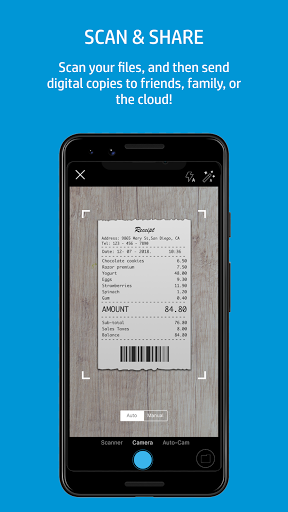
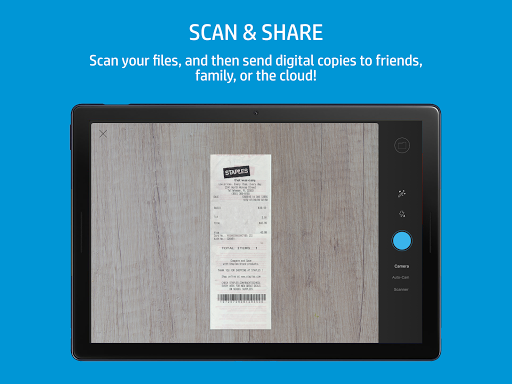
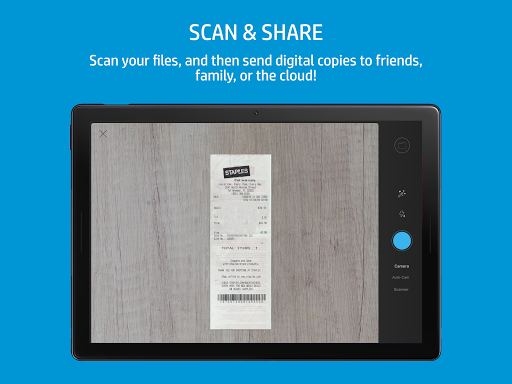
You can use the camera on your mobile device to scan a document, a photo as a PDF or JPEG file. Then save the scans in a cloud account or share them via email. Pay attention, scanning with your mobile device camera needs a minimum of 5 megapixels and auto-focus capability.
Step1: Select what you want to scan and open the HP Smart app.
Step2: Select your mobile device and choose the type of scan
Step3: Take a photo or give the app permission to take a picture according to the instruction of your devices.
Step4: Make some changes on the preview screen, if necessary.
Step5: If you want to scan more, tap the additional pages icon.
Step6: When the scan is complete, you can save, send, share, or print according to the type of scan selected.