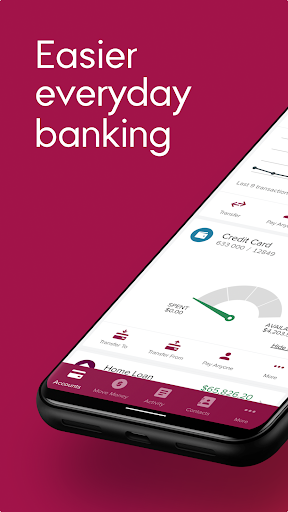
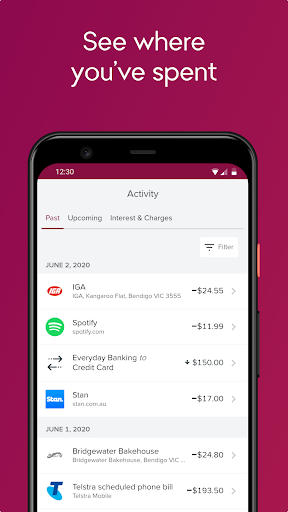
Bendigo Bank is a free and easy-to-use bank app which delivers all the tools you’ll need for seamless online banking. Not only does it allow you to log in quickly and securely with biometric authentication or a Four-digit PIN, it can also offer a quick access to balances-checking without logging in. The app is available for both iOS and Android users.
Pros
Easy everyday banking: you can see balances without logging in if you choose.
Instant access with Apple Pay: you can add your card to the Apple Wallet straight from the app.
Safe and secure: you can log in quickly and securely with biometric authentication or a four-digit PIN. The app also offers Enhanced and robust security features.
Cons
Operational instability: users may experience occasional program instability, such as some crashings and revalidations.
Inadequate transaction reporting: transaction reports are far too simple, with no details on the merchant or an option to dispute, which may impose potential inconvenience for users.
Limited login devices: the app only allows one device to log into the account, which may cause inconvenience to users when managing accounts.
Why can't I get into my Bendigo Bank app?
If you are locked out of the app, you need to make direct contact with the bank to request assistance in re-accessing your account. If you delete and reinstall the Bendigo Bank app, a four-digit PIN will be required. For security concerns, if you enter an incorrect four-digit PIN five times, the app will be reset.
What do I do if I forget my password?
If you have biometrics enabled you should be able to log in and change your four-digit PIN in the Settings menu:
Log in to the Bendigo Bank app
Select More
Select Settings
Select Change your four-digit PIN
Follow the prompts.
You will have five attempts to log in prior to re-register your device.